
From 2025, Safaricom now provides digitally stamped M‑PESA statements (also known as e‑stamped M-PESA statement) that are official, secure, and accepted by banks, SACCOS, embassies, and legal institutions.
Gone are the days of queuing at Safaricom shops for paper-stamped documents. You can now request and receive your stamped M‑PESA statement directly on your phone or computer in just a few steps.
What Makes It “Stamped”?
- The statement includes Safaricom’s official digital stamp/seal.
- It is generated by Safaricom systems and sent via email as a password-protected PDF.
- The PDF is tamper-proof and recognized as a valid official document.
How to Download Your e‑Stamped M-PESA Statement
Option 1: *Via USSD (334#)
This is the easiest method for both smartphone and feature phone users.
Steps:
- Dial *334# on your Safaricom line.
- Go to My Account, M-PESA Statement, and Request Statement.
- Select the duration of months: 1, 3, 6, or 12 months, or enter a custom range.
- Enter your email address and confirm it.
- Enter your M-PESA PIN.
Your e-stamped statement will be sent to your email within minutes. The PDF is secured with a password. Simply use your national ID or passport number to open it.
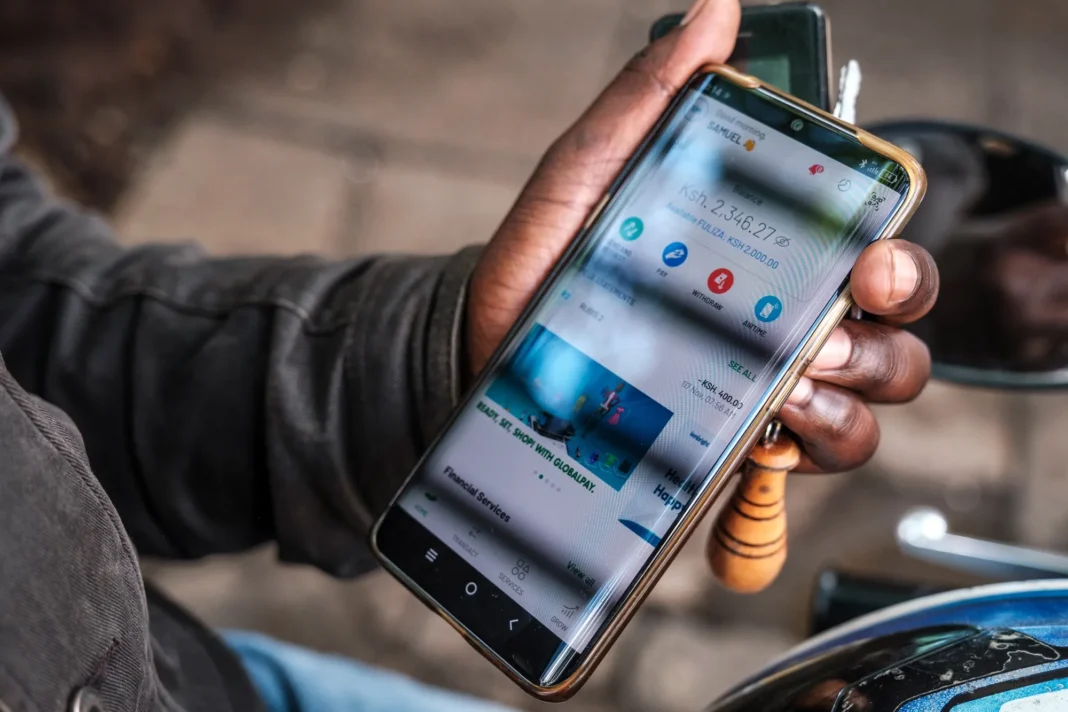
Option 2: Via the M-PESA App (or MySafaricom App)
To get an e‑Stamped M-PESA Statement via the M-PESA app, you’ll need a smartphone with an internet connection.
Steps:
- Open the M-PESA app.
- Log in using your PIN or fingerprint.
- Tap M-PESA > Statements.
- Choose a time range or set a custom date range.
- Tap Export or Email Statement.
The app allows you to download the digitally stamped M-PESA statement instantly or send it to your email.
Option 3: Via Safaricom Self-Care Web Portal
Steps:
- Visit the Safaricom Self-Care Web Portal.
- Sign up or log in with your Safaricom line.
- Go to M-PESA Statement.
- Choose the time period (up to 12 months).
- Submit your request, and the statement will be sent to your email as a PDF file.
If you need M-PESA statements beyond the last 12 months or court-certified printouts, visit a Safaricom retail store with your original ID for assistance.