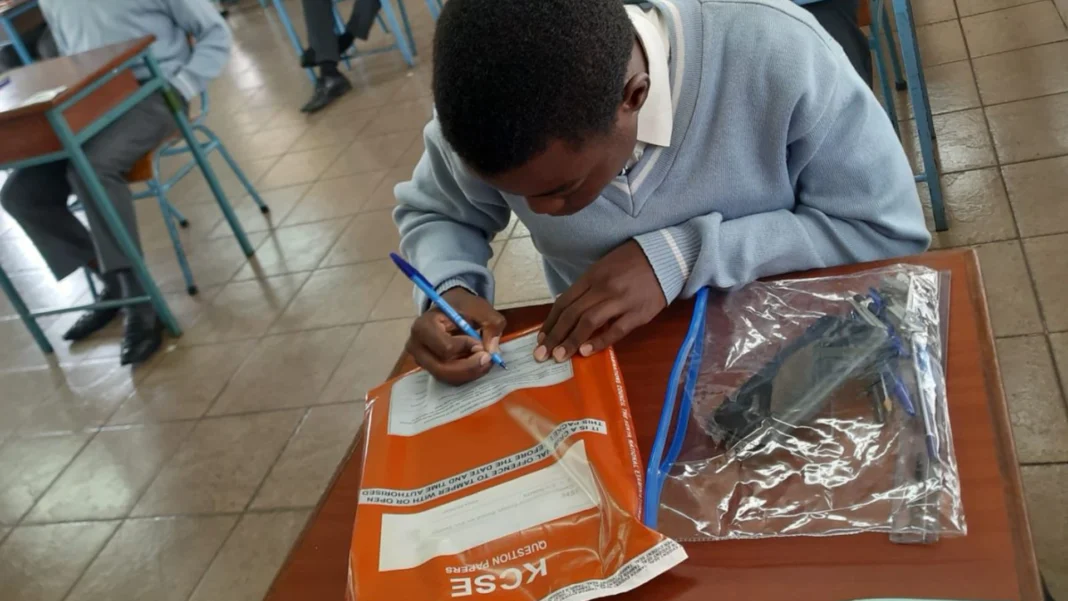


The Kenya Primary School Education Assessment (KPSEA) results are a significant milestone in the lives of Grade 6 learners, marking their progress in the Competency-Based Curriculum (CBC).
KPSEA was introduced as part of Kenya’s transition to the CBC, aiming to assess learners on practical skills and competencies. These results play a crucial role in determining whether learners will advance to Grade 7.
As part of the new system, the results are expected to be accessible online, making the process easier for parents and guardians.
When Are the KPSEA Results Released?
The results for the KPSEA are usually released by the Kenya National Examinations Council (KNEC) shortly after the exams are completed.
READ: How to Check KCSE 2024 Results.
Where to Check the Results
To view the KPSEA results, you’ll need to visit the official Kenya National Examinations Council (KNEC) portal. Follow these easy steps:
- Visit the KNEC Portal: Go to the official Kenya National Examinations Council portal at www.knec-portal.ac.ke. This is where the official results will be posted for all learners who sat for the KPSEA exams.
- Select the KPSEA Option: Once on the KNEC portal, navigate to the section that allows you to check for KPSEA results. There will be options for different examination categories, so make sure to select the one labeled “KPSEA.”
- Enter the Learner’s Details: You will be prompted to enter specific information about the learner. Typically, you will need the learner’s index number and full name of the learner as registered for the exam. Also, you must ensure the information is entered accurately to avoid errors in retrieving the results.
- View and Download the Results: After entering the required information, click on the button to search for results. The child’s KPSEA results should appear, showing their performance across various subjects.
Can’t Access the Results?
If you can’t access the results online, don’t panic! Here’s what to do:
- Check your internet connection: Ensure everything is working on your end.
- Verify the information: Make sure the learner’s index number and name are entered correctly.
- Contact the school: If you’re still having trouble, visit the school for assistance.
- Reach out to KNEC: You can also contact KNEC directly for support.
Checking KPSEA results online is quick and simple. By visiting the KNEC portal and entering your child’s details, you can easily see their performance. Whether your child is moving on to Grade 7 or simply excited to see their hard work pay off.