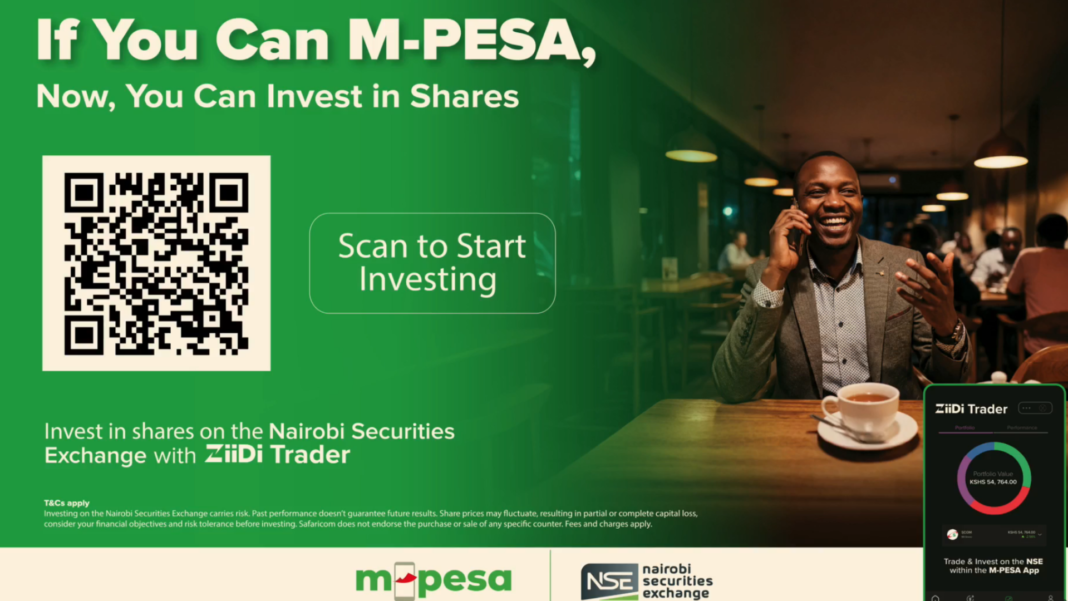

Ziidi Trader is a new mini-app inside M-PESA that lets you buy and sell shares on the Nairobi Securities Exchange directly from your phone. No paperwork, no separate brokerage account needed, and you can start with as little as one share.
What You Need to Know First
Market hours: The Nairobi Securities Exchange is open Monday to Friday, 9:30 AM to 3:00 PM. You can browse and plan trades outside these hours, but actual buying and selling only happens when the market is open.
Basic concept: When you buy a share, you own a piece of that company. You make money if the share price goes up and you sell at a higher price than you paid, or if the company pays dividends. You can also lose money if you sell for less than you paid.
Your shares are real: Once you buy shares through Ziidi Trader, you own them. They’re held in what’s called an “omnibus account” – basically a collective account where Safaricom holds shares for all Ziidi Trader users, but your individual holdings are tracked separately. This is why you don’t need your own CDS (Central Depository System) account.
How to Get Started
- Open your M-PESA app
- Go to Financial Services
- Select Ziidi Trader
- Accept the terms and conditions
- Complete the verification process
- Confirm with your M-PESA PIN
Remember, you must be 18 or older and have an M-PESA account.
How to Buy Shares
- In the Ziidi Trader mini-app, tap Trade
- Select the company whose shares you want to buy
- Tap Buy
- Choose your pricing option (see below)
- Enter how many shares you want
- Review the summary
- Tap Buy Shares, then Proceed, then Buy Shares again
- Confirm with your M-PESA PIN

Pricing Options
Best Price: You’ll pay whatever the lowest asking price is at that moment. This is faster but you don’t control the exact price.
Own Price: You set the maximum you’re willing to pay. Your order will only execute if a seller agrees to that price.
What Happens After You Place an Order
The money for your purchase is immediately reserved from your M-PESA account. Your order is labeled “Good Till Day,” meaning it’s only valid until 3:00 PM that same day.
If your order matches with a seller (someone willing to sell at your price), the trade goes through and you own the shares. If it doesn’t match by 3:00 PM, your money is automatically refunded to your M-PESA account after the market closes.
You’ll get two notifications: one confirming your order was received and another telling you whether it was fulfilled (fully or partially).
How to Sell Shares
- In Ziidi Trader, go to Trade
- Select the shares you want to sell
- Tap Sell
- Enter your price and how many shares to sell
- Review the summary
- Tap Sell Shares, then Proceed, then Sell Shares again
- Confirm with your M-PESA PIN
Just like buying, selling isn’t guaranteed – you need a buyer willing to pay your price. When your sell order matches with a buyer, the money goes directly into your M-PESA wallet immediately.
Dividends
If a company pays dividends, you’ll receive the payment via M-PESA. To qualify, you must own the shares on the “book closure date” – the specific day the company checks who owns shares. The app shows corporate action announcements so you can stay informed.
READ: Safaricom to Pay KES 34 Billion Interim Dividend to Shareholders
Fees
There are zero transaction fees for moving money in and out of Ziidi Trader. However, standard trading fees and charges do apply to buying and selling shares themselves.
What to Watch Out For
No guarantees: Your orders might not execute if there’s no matching buyer or seller at your price.
Share prices fluctuate: You can lose money. The app doesn’t provide investment advice – you make your own decisions.
Separate from other accounts: If you already have shares in a CDS account with another broker, those won’t merge with your Ziidi Trader shares. They stay separate.
Risk is real: Companies can perform poorly, prices can drop, and you could lose some or all of your investment.
Getting Help
Contact Safaricom Customer Care or visit any Safaricom Shop if you need assistance with the app.