
It usually starts innocently. A friend sends you a link saying, “You have to see this!” or a message pops up on Instagram about a giveaway. You click without thinking, and within seconds, your account is locked, your details are stolen, or your bank balance starts shrinking.
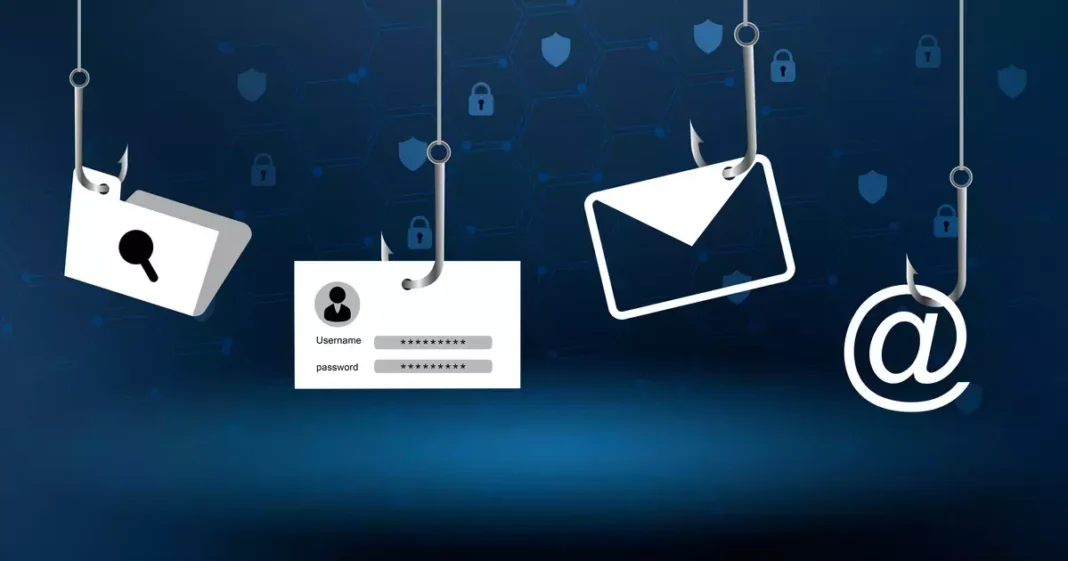
In 2025, phishing and scam links are no longer just the domain of shady spam emails; they’re woven into the daily fabric of social media. Scammers are now smart, patient, and highly creative. They exploit your curiosity, your fear, and sometimes even your friends’ hacked accounts.
The good news is that with a bit of awareness and a few quick checks, you can protect yourself from becoming their next target.
Hotspots for Scam Links on Social Platforms
Phishing links can pop up almost anywhere online, but some places are more common than others:
- Direct Messages (DMs): Fake alerts, videos, or “opportunities” sent via WhatsApp, Instagram, Telegram, or Facebook Messenger.
- Post Comments: Links promoting investment schemes or prize giveaways under trending posts.
- Fake Ads: Unverified pages selling goods at unrealistically low prices.
- Profile Bios: New accounts with suspicious URLs in their bio.
- Shortened Links: Using services like Bitly or TinyURL to hide the true web address.
How to Recognize a Phishing or Scam Link
1. Preview the Link Before Clicking
- On desktop: Hover your mouse over the link and check the bottom of your browser for the full URL.
- On mobile: Long-press (but don’t open) to see where it actually leads.
2. Scrutinize the Domain Name
Scammers often register domains that look almost right. They add extra words, use different endings, or replace letters with numbers.
- Legit: instagram.com
- Scam: instagram-help-center-login.net
3. Don’t Be Fooled by HTTPS
Yes, you should always use secure (HTTPS) websites, but the padlock icon alone is no longer a guarantee of safety; scammers also use it to appear trustworthy.
4. Watch Out for Shortened Links
Short links are convenient but can hide dangerous destinations. Use free tools like CheckShortURL.com or Unshorten.It to reveal the real web address first.
5. Assess the Context
Legitimate companies don’t pressure you into clicking immediately. If the message is urgent, emotional, or oddly personal, stop and think.
Typical Social Media Scam Tactics
- The Fake Security Warning
“We’ve noticed suspicious activity. Your account will be disabled in 24 hours unless you verify it here.”
- A classic fear-based trick that sends you to a counterfeit login page built to steal your credentials.
- The “You’re in This Video” Hook
- Preys on your curiosity and anxiety by claiming you appear in an embarrassing clip. Clicking leads to a fake sign-in page that captures your details.
- The Too-Good-to-Be-True Bargain
- “Grab the latest iPhone for just a fraction of the price!” The link takes you to a fraudulent store designed to collect payment information.
- The Imposter Celebrity Giveaway
- Uses stolen images or AI-generated deepfakes of famous figures, promising cash, crypto, or luxury prizes in exchange for filling out a “registration” form as a cover for harvesting personal data.
How to Protect Yourself
- Verify before you click: Even if it’s from a friend, confirm through a voice call or video chat.
- Type the URL manually: Go directly to the official site instead of clicking on links.
- Enable Two-Factor Authentication (2FA): Adds a layer of security even if your password is stolen.
- Keep devices updated: Patches fix known vulnerabilities.
- Report suspicious links: Platforms like Instagram, Facebook, and WhatsApp have built-in reporting tools.
What to Do If You’ve Already Clicked
- Disconnect from the internet to stop any active data theft.
- Change your passwords immediately, starting with the compromised account.
- Run a full security scan using antivirus software.
- Notify your bank or mobile money provider if payment details were entered.
- Alert your contacts; your account might be sending out more scam links.
The most powerful weapon against phishing scams is hesitation. That extra second you take to double-check a link could save you from losing your money, your data, or your digital identity.